
A damaged laptop screen is one of those problems that instantly makes your device feel useless. You open your laptop expecting to get work done, and instead you’re staring at a cracked display, flickering image, or a screen that refuses to show anything at all. That’s usually when people start searching for ways to fix laptop screen issues as quickly as possible.
The good news is that a broken screen doesn’t mean your laptop is finished. In most cases, the issue can be resolved without replacing the entire device. The key is understanding what’s actually wrong, what your options are, and how to get it fixed properly without wasting time or money.
How Laptop Screens Actually Get Damaged
Most people assume a screen only breaks if the laptop is dropped. While that’s one of the main causes, it’s not the only one.
Pressure damage is surprisingly common. Closing your laptop with something small left on the keyboard, even something as harmless as a pen or a cable, can crack the screen. Carrying your laptop in a bag without proper protection can also cause internal pressure damage.
Over time, screens can also develop faults without any physical impact. Flickering, dim displays, or lines appearing across the screen are often signs of internal issues. These problems usually lead people to search how to fix laptop broken screen faults before the situation gets worse.
Different Types of Screen Problems
Not all screen issues are the same, and identifying the problem helps you understand the solution.
A cracked screen is the most obvious issue and almost always requires replacement. Flickering screens may be caused by loose connections or failing components. Dead pixels or coloured lines often indicate panel damage.
A completely black screen doesn’t always mean the display itself is broken. It could be related to internal hardware, such as the graphics system or motherboard.
Knowing the difference helps you decide whether you can fix Hp laptop screen problems easily or if professional help is needed.
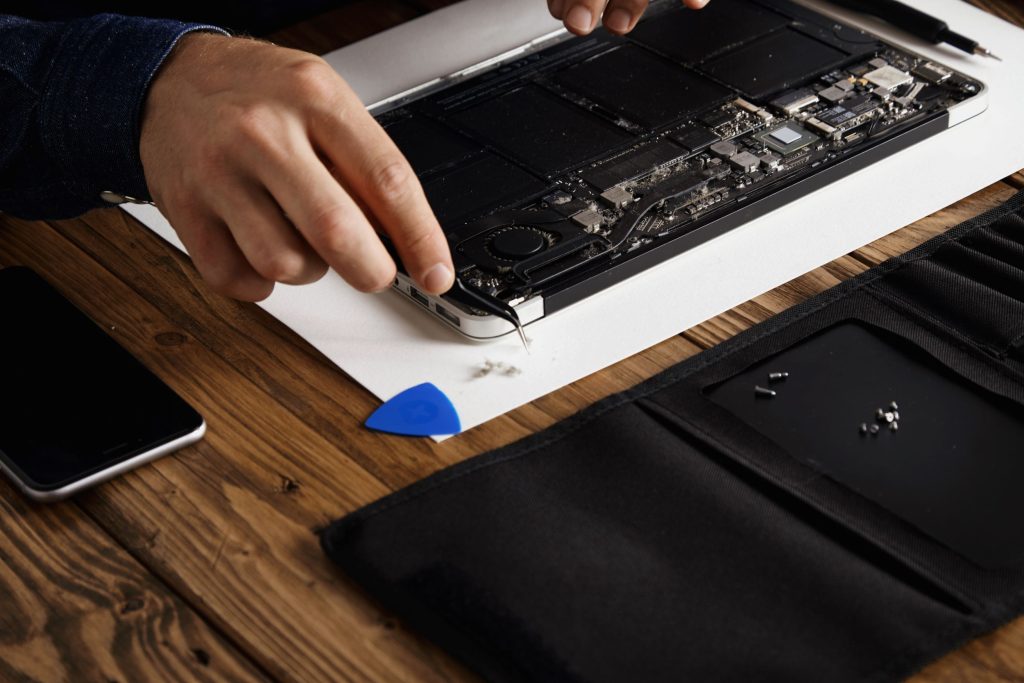
Can You Fix a Laptop Screen Yourself?
This is where things get interesting. Technically, yes, you can replace a laptop screen yourself. But realistically? It’s not as simple as it looks.
Modern laptops are not designed to be easily opened. Screens are connected with delicate cables, and one small mistake can cause further damage. Many people who attempt DIY repairs end up making the problem worse.
If you have experience with electronics and the right tools, it might be possible. But for most users, trying to fix laptop screen near me issues at home is more risk than reward.
Professional Screen Repair: What You’re Actually Paying For
Taking your laptop to a professional repair service might feel like an extra step, but it often saves time and prevents mistakes.
A technician will first confirm that the screen is the actual problem. This avoids unnecessary repairs if the issue lies elsewhere. Once confirmed, they replace the screen with a compatible part that matches your device.
Most services that handle fix laptop black screen repairs can complete the job within a few hours or by the next day, depending on the model.
You’re not just paying for the part, you’re paying for accuracy, speed, and the confidence that the repair is done properly.
How Much Does It Cost in the UK?
Cost is always a factor, and it varies depending on the laptop.
Standard screens are usually more affordable, while high-resolution or touchscreen displays can cost more. On average, screen replacement in the UK ranges from £60 to £120 for basic models, and £120 to £250 for premium devices.
While this might seem expensive, it’s still much cheaper than buying a new laptop. Many people searching how to fix laptop blue screen issues realise that repair is the more sensible option.
Repair or Replace: Making the Right Call
One of the biggest decisions you’ll face is whether to repair the screen or replace the laptop entirely.
If your laptop is still working well aside from the screen, repair is usually the best choice. Even older laptops can benefit from a new screen, especially if the cost is reasonable.
However, if the device has multiple issues, such as poor performance and battery problems, it might be worth considering an upgrade. A technician can help you decide the best approach when you’re looking to fix laptop screen problems.
How Long Does Screen Repair Take?
Time is important, especially if you rely on your laptop daily.
For common models, screen replacement can often be completed within a few hours. If the part is not immediately available, it may take a day or two.
Most repair services that handle fix laptop screen requests aim to minimise downtime and get your device back to you as quickly as possible.
Avoiding Future Screen Damage
Once your screen is repaired, you’ll want to keep it that way.
Simple habits can make a big difference. Always close your laptop carefully and avoid placing objects on the keyboard. Use a protective case when carrying your device.
Keeping your laptop on stable surfaces and handling it with care reduces the risk of needing to fix hp laptop screen issues again in the future.
Why Quick Action Matters
Delaying a screen repair can lead to bigger problems. A small crack can spread, and flickering can worsen over time.
Using a damaged screen can also put strain on other components, especially if the issue is related to internal connections.
Acting quickly when you notice a problem makes it easier to fix laptop screen issues before they become more expensive or complicated.
Choosing the Right Repair Service
Not all repair services offer the same quality, so it’s important to choose wisely.
Look for technicians with good reviews and clear pricing. A reliable service will explain the problem and provide a proper quote before starting the repair.
Experience also matters. Technicians who regularly handle fix laptop screen repairs are more likely to complete the job efficiently and correctly.
Conclusion
A broken laptop screen can feel like a major problem, but it’s usually fixable with the right approach. Instead of replacing your entire device, exploring repair options can save both time and money.
Understanding the issue, acting early, and choosing a reliable technician are the key steps to resolving the problem. With professional help, most fix laptop screen issues can be handled quickly, allowing you to get back to using your laptop without unnecessary stress.
FAQ’s
To fix laptop screen, costs usually range from £60 to £250.
DIY is possible but risky; professional fix laptop screen services are safer.
Most fix laptop screen repairs are completed the same day.
Yes, it’s cheaper to fix laptop screen than replace the laptop.
Yes, nearly all models allow fix laptop screen services.