
Most viruses don’t announce themselves. They don’t pop up saying “Hello, I am a virus” like some cartoon villain. Instead, they quietly slow your laptop down, mess with your browser, and cause strange problems that waste your time. That’s why people search Virus Removal Service when their laptop starts behaving differently and they want it fixed properly. This guide explains the most common signs of infection, what you should do immediately, and how professional virus removal works in Bradford.
The Most Common Signs You Need A Virus Removal Service
If your laptop is infected, you will usually notice one or more of these problems.
Pop-Ups And Random Ads
If ads appear when you are not even browsing, or your screen is full of pop-ups, that is a strong sign of malware.
Browser Redirects
If Google searches send you to strange websites, or your homepage keeps changing, your browser may be infected.
Laptop Suddenly Became Very Slow
A laptop that was working fine last week but is now slow for no reason may have unwanted software running in the background.
Unknown Programs Installed
If you see apps you never installed, or toolbars you don’t recognise, that is a warning sign.
Security Warnings Or Fake Alerts
Some viruses show fake “your PC is infected” warnings to trick you into clicking.
If you see these symptoms, a Virus Removal Service In UK can stop the problem before it gets worse.
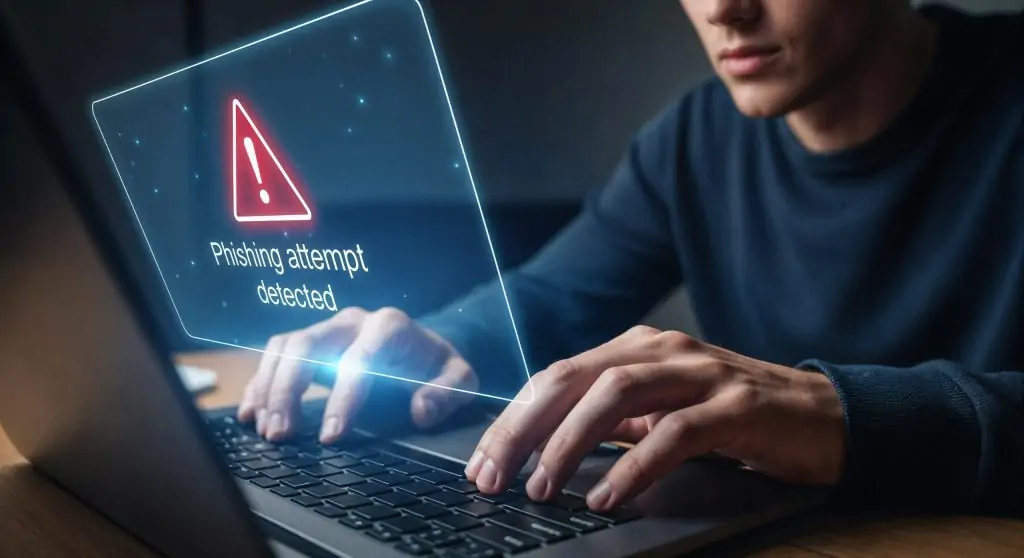
How People Usually Get Viruses (Even Smart People)
Most infections happen from normal everyday actions, such as:
- downloading cracked software
- clicking fake update buttons
- opening suspicious email attachments
- installing free programs from unsafe websites
- allowing random browser extensions
It only takes one click.
What To Do Immediately If You Think You Have A Virus
If you suspect malware, do these steps first.
Disconnect From The Internet
Turn off WiFi or unplug the network cable. This can stop the virus from spreading or stealing data.
Do Not Log Into Banking Or Email
If your laptop is infected, logging into accounts can be risky.
Do Not Install Random “Cleaner” Apps
Many “PC cleaner” tools are fake and make things worse.
Stop Downloading Files
Downloading more files increases the risk and can add more infections.
If you want a safe solution, contact a professional Virus Removal Service Near Me.
Can A Virus Damage Your Files?
Yes. Some malware can:
- delete files
- lock files (ransomware)
- corrupt documents
- steal saved passwords
That’s why quick action matters.
How PCKey Callout Provides Virus Removal Service In Bradford
At PCKey Callout, we remove viruses properly, not just temporarily.
Our Virus Removal Service in Bradford can include:
- malware detection and full removal
- browser cleanup and pop-up removal
- removal of unwanted programs and extensions
- performance improvement and startup cleanup
- security setup to reduce future risk
We focus on making your laptop safe and stable again.
How To Prevent Viruses After Cleanup
Once your laptop is clean, prevention is easy if you follow a few rules:
- only download software from trusted sources
- avoid cracked programs
- keep Windows and browsers updated
- do not click unknown email attachments
- use a proper antivirus solution
A good Virus Removal Service should help you avoid repeat infections.
Final Thoughts
Viruses are annoying, stressful, and they waste your time. But the good news is they can be removed safely when done properly.
If you need a trusted Virus Removal Service in Bradford, PCKey Callout is ready to clean your laptop, remove malware, and get your device running smoothly again.
FAQ’s
A Virus Removal Service includes detecting and removing malware, spyware, and harmful programs while securing your system.
You may need a Virus Removal Service if your computer is slow, showing pop-ups, or behaving unusually.
A professional Virus Removal Service removes threats without affecting your personal files, but backups are always recommended.
Most Virus Removal Service jobs are completed within a few hours depending on the severity of the infection.
Basic threats can be removed at home, but a full Virus Removal Service ensures complete protection and system security.